
You’ve got a woff2 file and a theme that isn’t a block theme. Now what?
WordPress finally shipped a Font Library — but it only shows up in the Site Editor, which means it only exists if you run a block theme. Everyone else is back to the old routine: drop the file somewhere in the theme, hand-write an @font-face block, guess at the path, paste font-family names into a builder’s typography box and hope you spelled it the same way twice. Do that on a client site and you get to redo it after the next theme update eats your changes.
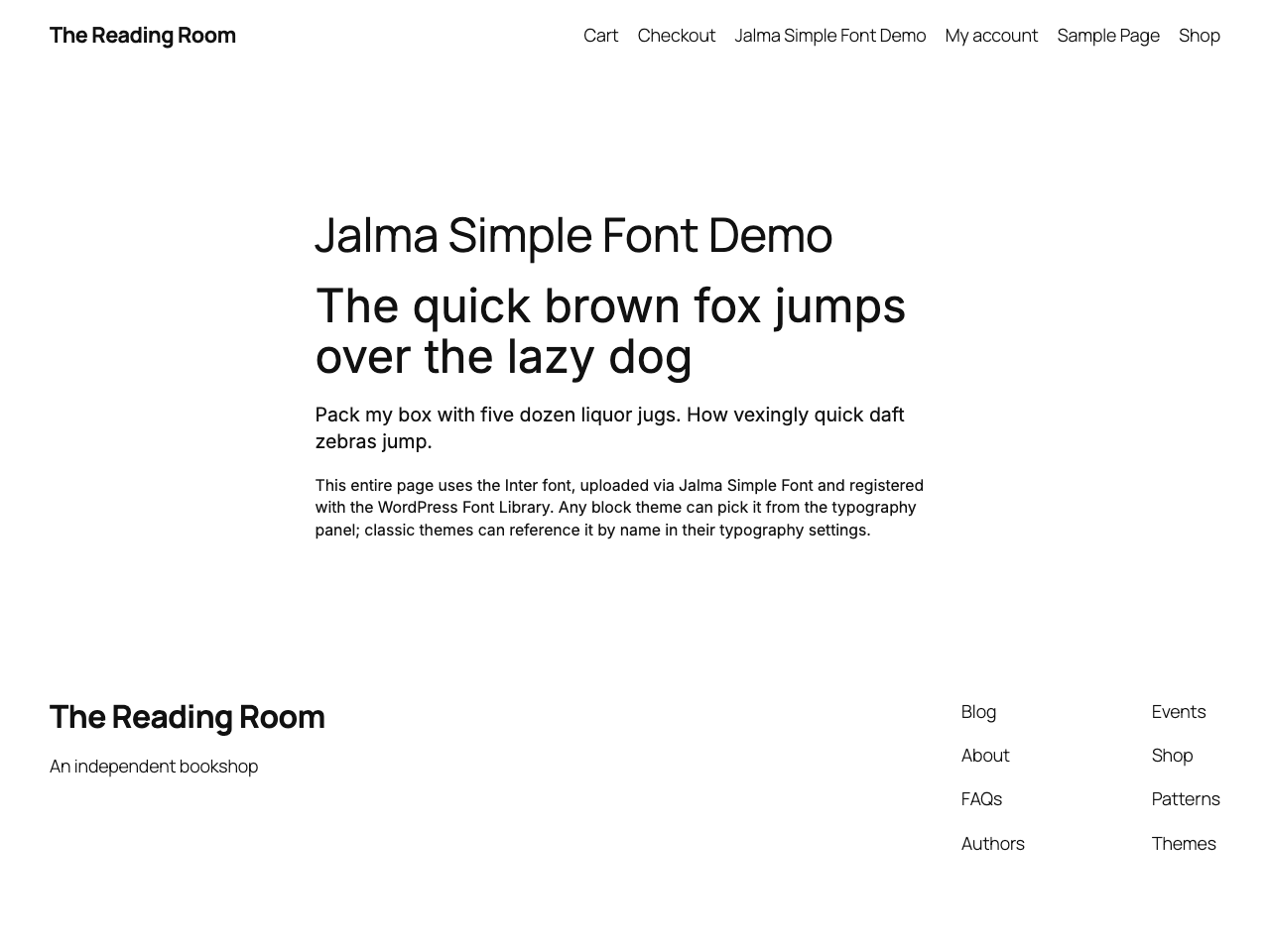
I wanted the boring version of this. Upload the font once, and have it just be there — on the frontend, in the admin, and in whatever typography picker the theme happens to use. That’s Jalma Simple Fonts.
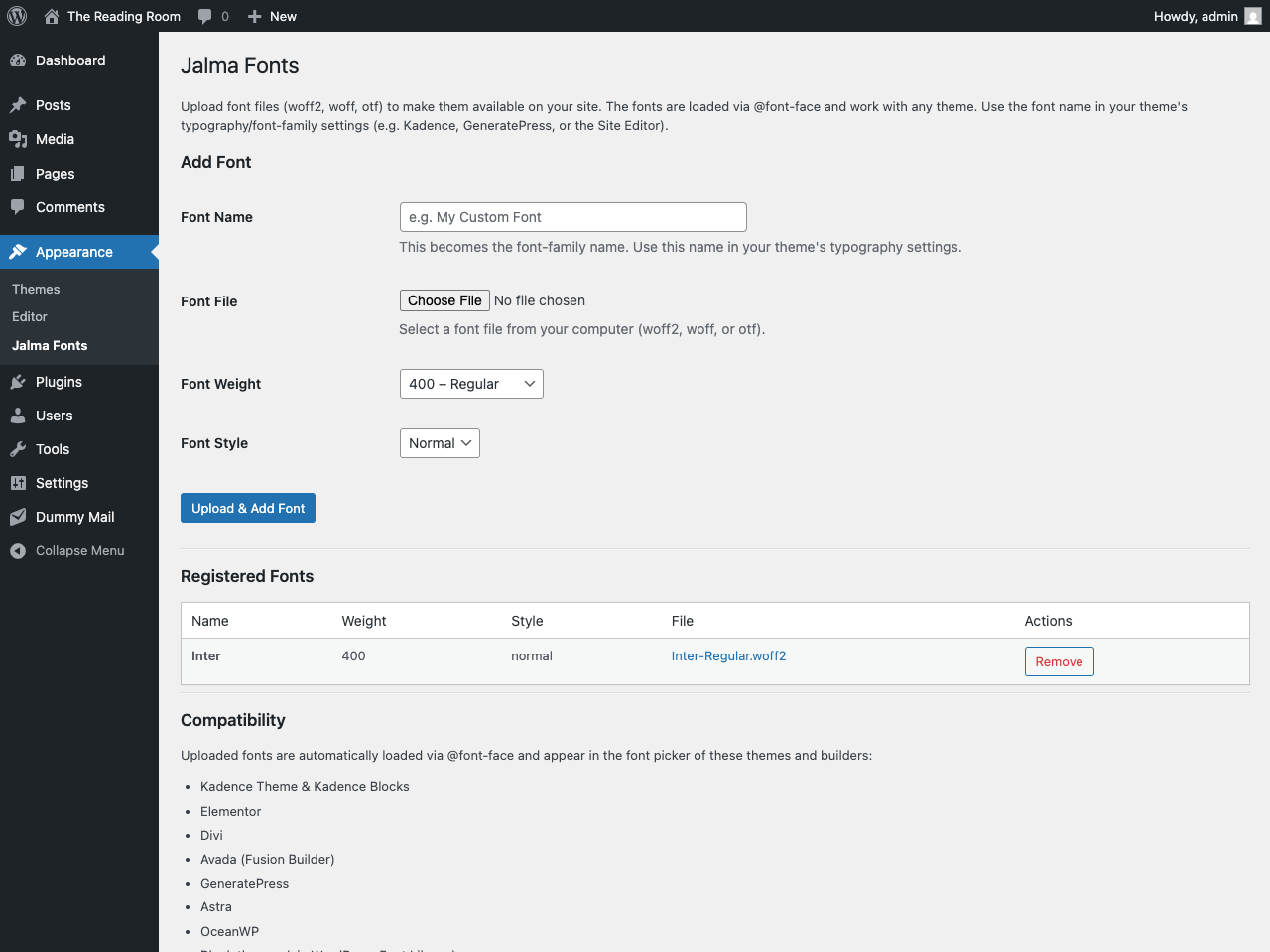
Upload a woff2, woff or otf file, set its weight and style, done. The plugin loads it via @font-face with font-display: swap across the whole site, and then registers it directly in the native font settings of the themes and builders people actually run:
- Kadence (theme and Kadence Blocks), Elementor, Divi, Avada, GeneratePress, Astra and OceanWP — the font shows up in each one’s own typography dropdown, no CSS.
- Block themes get it in the WordPress Font Library, so you can pick it in the Site Editor like a built-in.
- Anything else picks it up by font name — reference it in your theme’s font-family field or a line of CSS.
You manage everything at Appearance > Simple Fonts. That’s the whole surface area. No onboarding wizard, no upsell modal, and nothing phoning home to a font CDN — the file lives in your own uploads folder and gets served from there.
It’s free on wp.org, and it’s the whole product — there’s no crippled tier waiting to sell you the useful half. If it saves you one round of pasting font paths into a builder, it did its job.
Leave a Reply