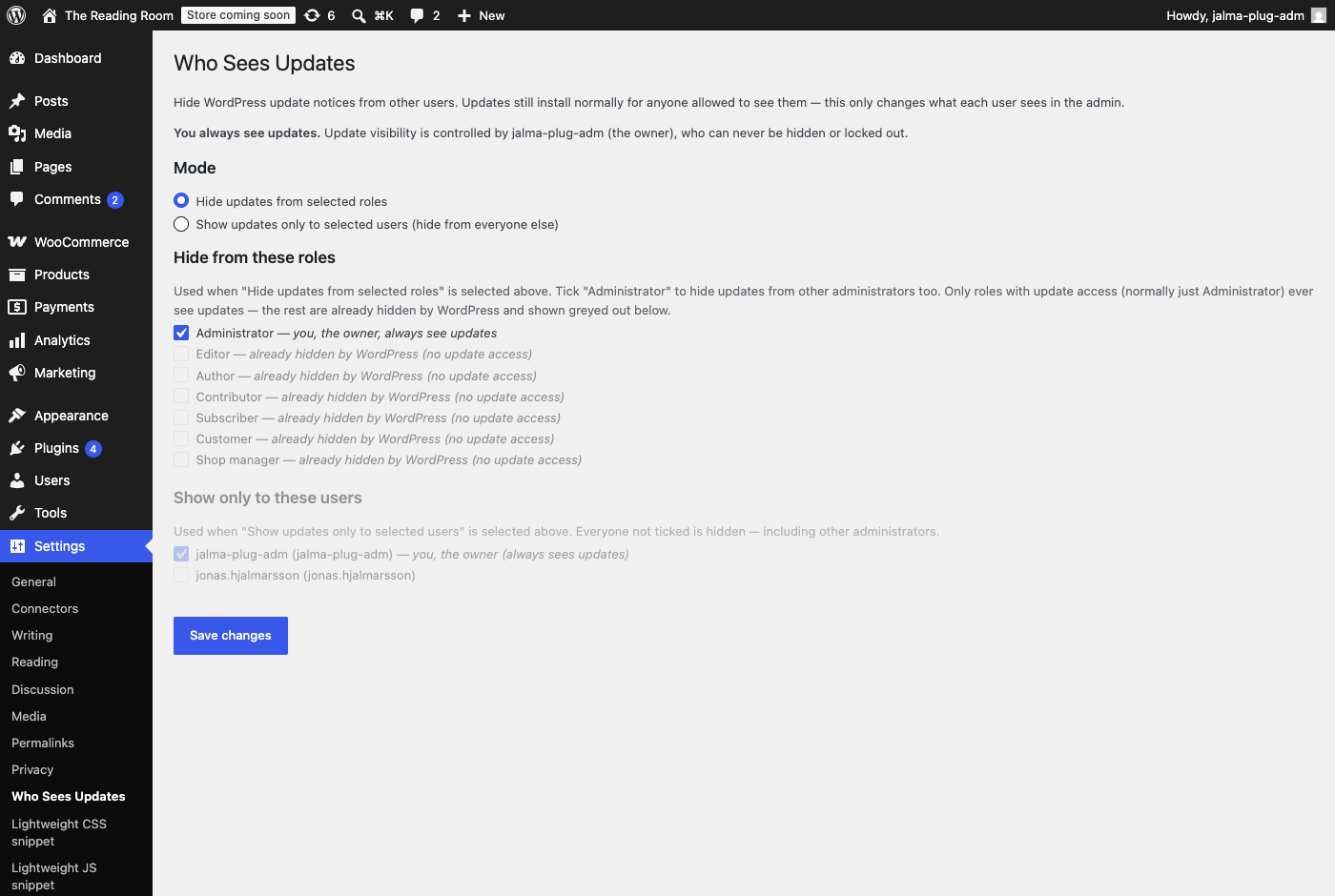
If you maintain a WordPress site for someone else, you handle the updates — but every other admin who logs in sees the same red nags and “updates available” badges, and sooner or later someone clicks Update All at the worst time. Jalma Who Sees Updates quietly removes those notices for the people who shouldn’t act on them, while you keep seeing everything.
Two simple modes: hide from selected roles (tick Administrator to hide from other admins too), or show updates only to specific users. Nothing is disabled — updates still install for anyone allowed to see them, and automatic background updates keep running. It only changes what each person sees: the nags, the count bubbles, the Updates menu and admin-bar link, and access to the updates screen.
Whoever activates it becomes the owner and always sees updates and the owner-only settings page under Settings → Who Sees Updates — you can’t lock yourself out, and if the owner account is ever deleted the plugin fails open so security updates never get hidden from the whole site. It’s a tidiness tool, not a security boundary (any admin can still deactivate it).